Public Status Pages for Your Website
Show users your live status, 90-day uptime history, and incidents on a page that updates itself — powered by your monitoring
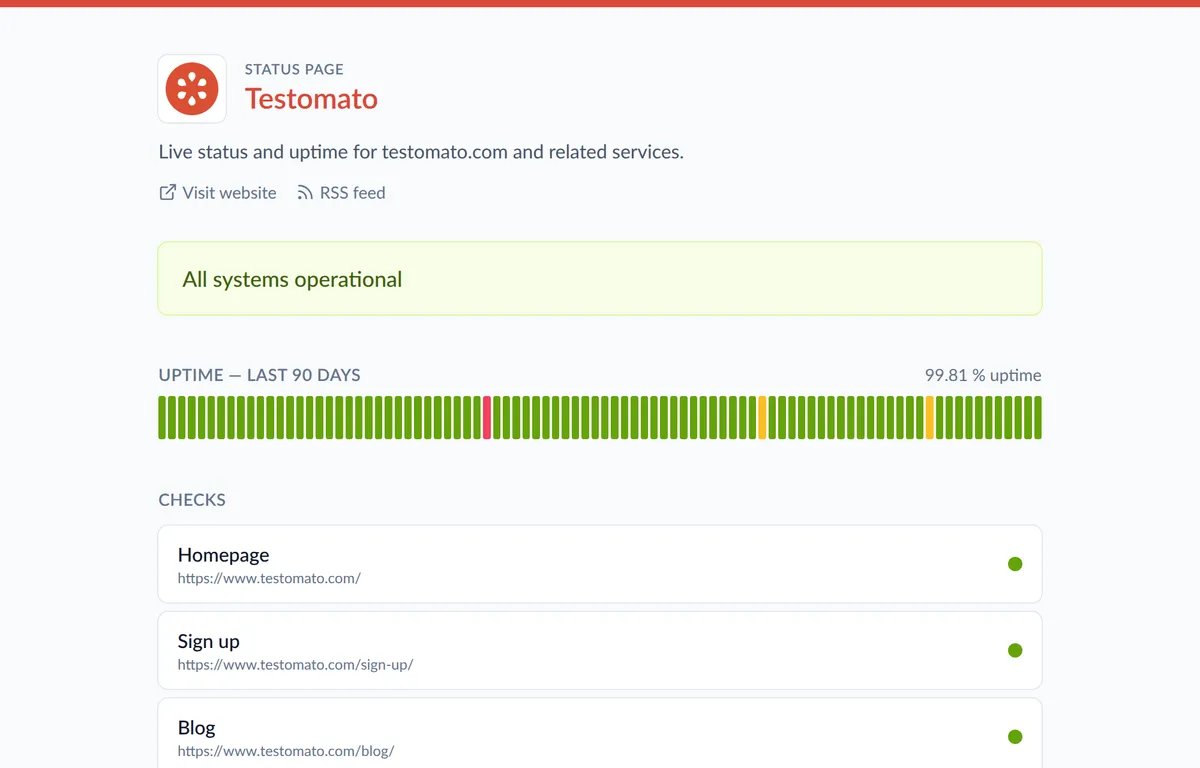
Downtime happens. What matters is how you communicate it.
A public status page answers "is it down for everyone or just me?" before the support tickets start piling up.
Testomato turns your existing monitoring into a status page that updates itself — no manual incident posting required.
Why a status page matters
When something breaks, your inbox fills up with the same question. A status page gives users one place to check — and shows them you're already on it.
Transparency during incidents builds more trust than pretending they never happen. A public uptime record proves you take reliability seriously.
Everything on your status page, updated automatically:
-
Live status banner
Visitors instantly see whether everything is operational, degraded, or down — straight from your checks. -
90-day uptime history
A color-coded bar for every day plus your overall uptime percentage, calculated from real monitoring data. -
Your checks, your choice
Pick exactly which checks appear on the page — each one shows its own live status. -
Active incidents
Open issues appear automatically with the affected check and error message, and clear when resolved. -
Scheduled maintenance
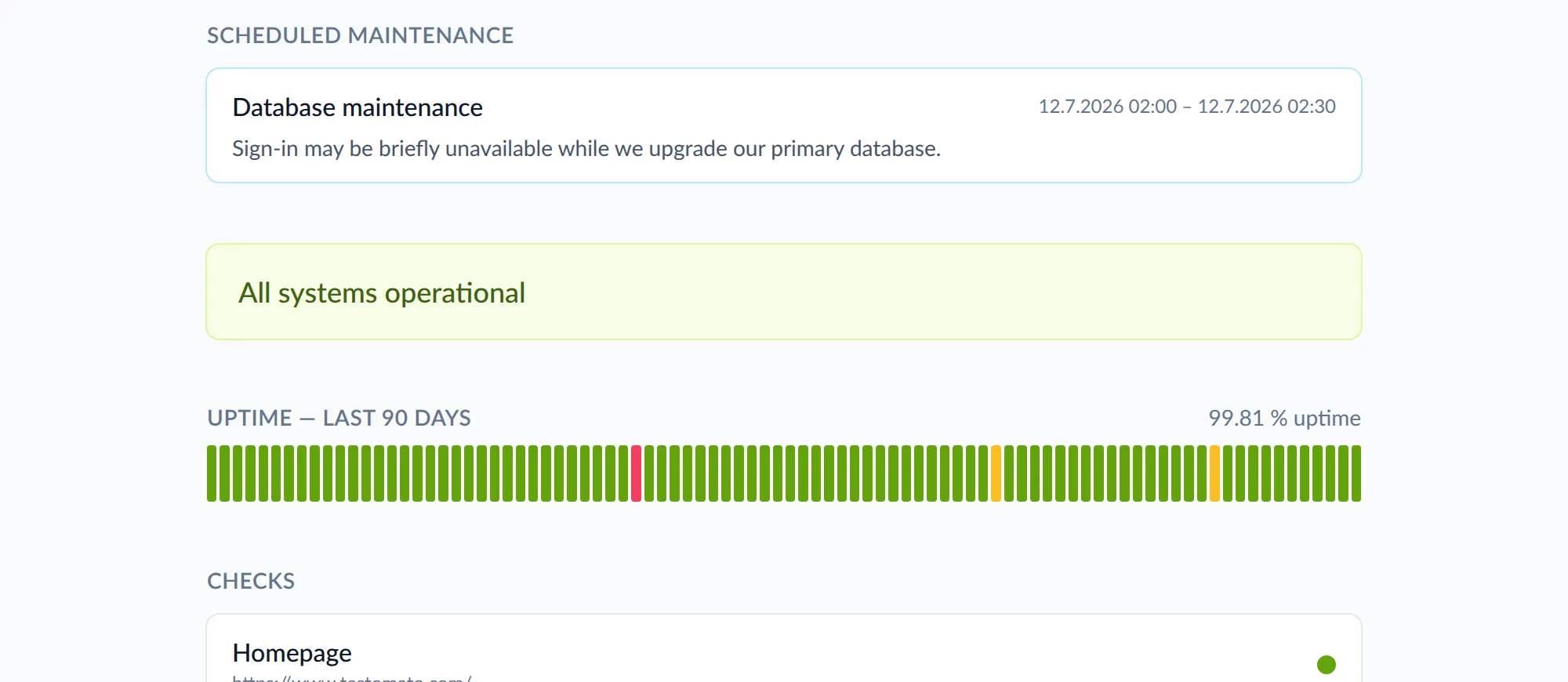
Announce planned work in advance so nobody mistakes maintenance for an outage. -
Email & RSS updates
Visitors subscribe with their email address and hear about incidents when they start and when they're resolved.
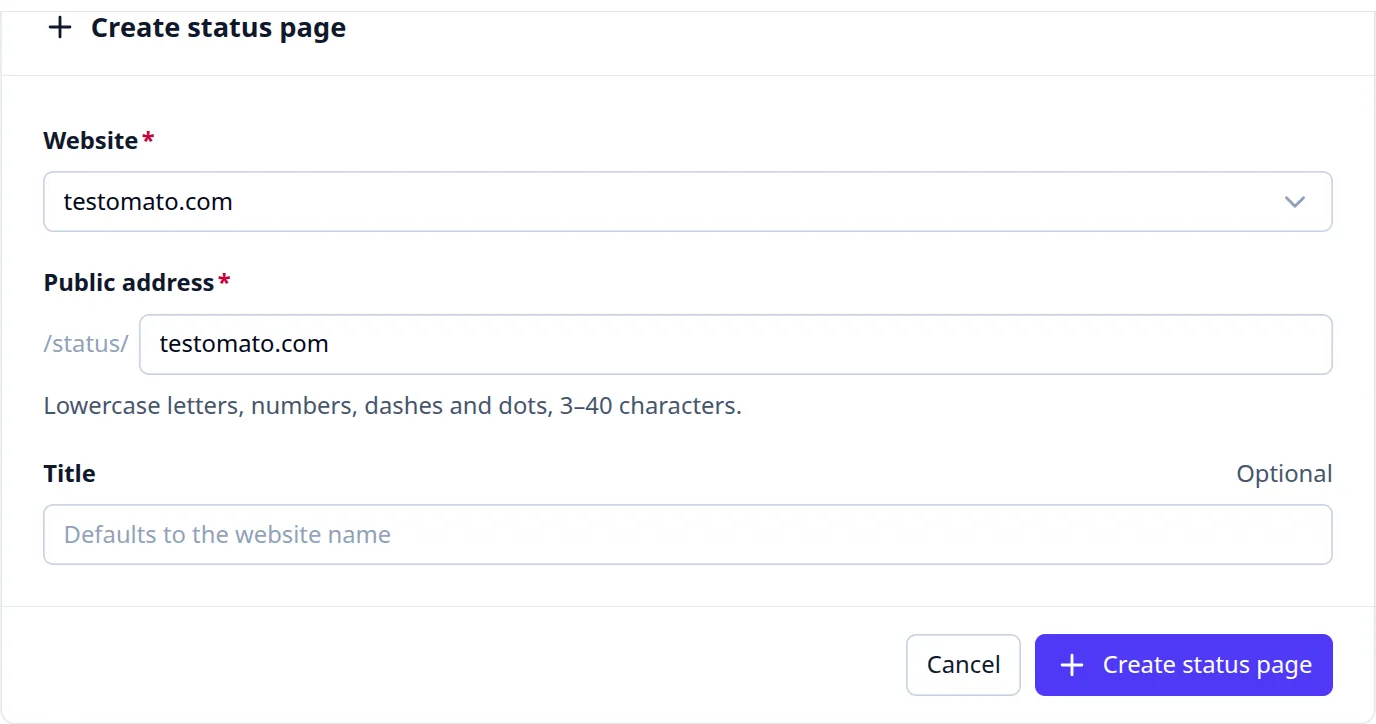
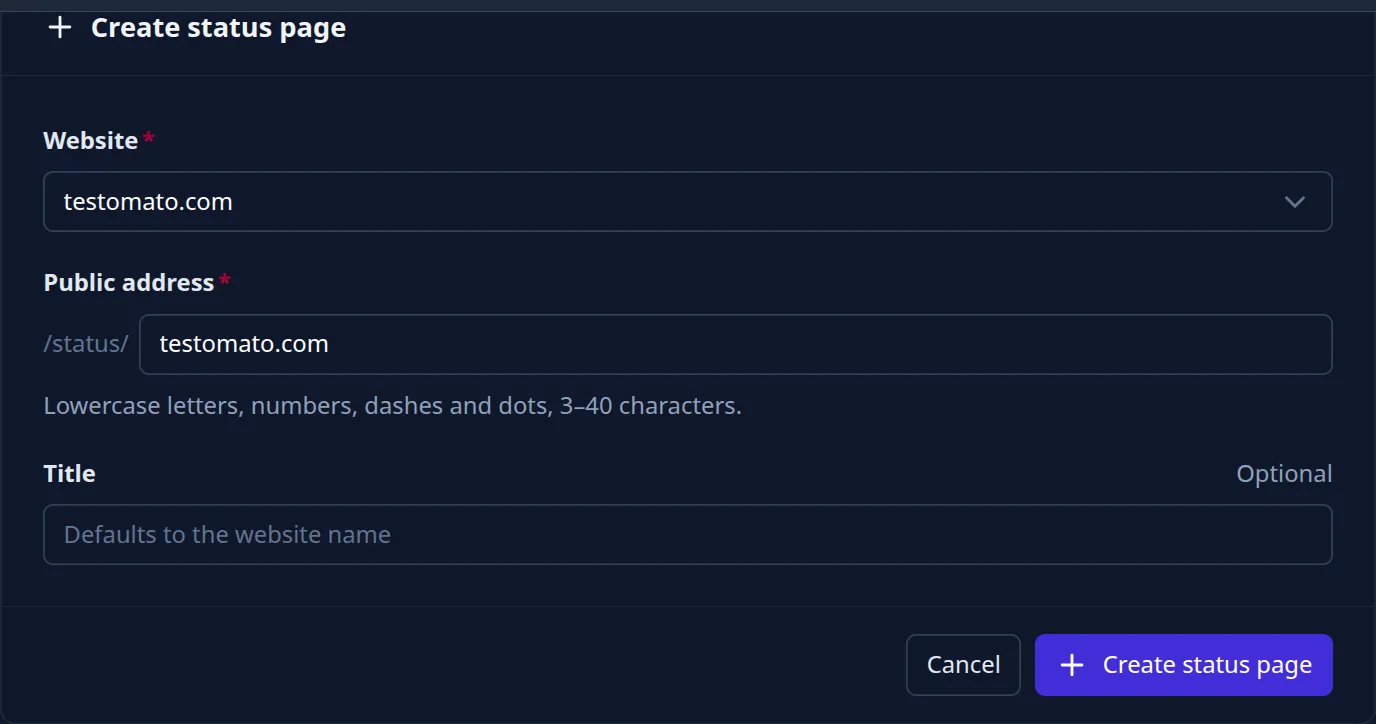
Set up in under a minute
Creating a status page takes under a minute — pick a website, choose a public address, done. Then make it yours:
Automatic branding — your logo comes straight from your website's favicon, and one primary color themes the whole page.
Public or password-protected — share the link with the world, or set a password for clients and stakeholders.
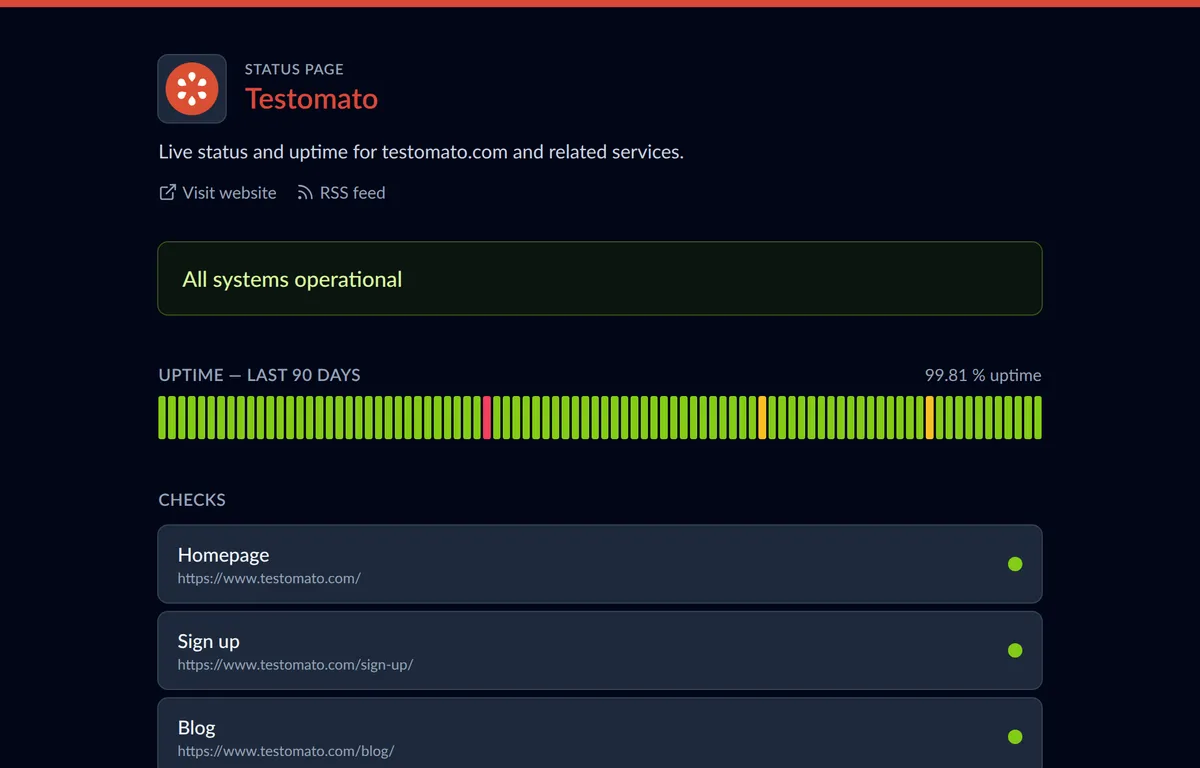
Dark mode included — the page follows each visitor's system theme automatically.
Your team knows first, your users are never in the dark
Testomato sends instant alerts to your team via Email, Slack, PagerDuty, Pushover, or Pushbullet the moment a check fails. Your status page tells the same story to your users — without you lifting a finger.
Benefits of a public status page:
-
Build user trust
Publishing your uptime for anyone to see signals confidence in your service — and earns it back. -
Fewer support tickets
One link answers "is it down?" for everyone — before they write to support. -
Backed by 15-second checks
Your page reflects reality in near real time, thanks to uptime monitoring from 9 global locations. -
Your team still knows first
Instant alerts reach your team before users even refresh the page. -
Keep clients in the loop
Agencies share a page per client site; subscribers get updates without asking. -
Private when needed
Password protection keeps a page for internal or client eyes only, and pages stay out of search indexes.
Status page FAQ
- How do I create a status page?
- In your Testomato dashboard, open Status Pages, pick one of your monitored websites, and choose a public address like testomato.com/status/your-site. All your checks are preselected — the page is live in under a minute.
- Do I have to post incident updates manually?
- No. The status banner, uptime history, and incident list all come from your monitoring and update automatically. The only thing you enter by hand is scheduled maintenance.
- How many status pages can I create?
- Every plan includes status pages: 1 on Starter, 5 on Professional, 25 on Business, and unlimited on Enterprise. See pricing for details.
Start sharing your uptime with Testomato
You can try it all free for 14 days with no credit card and no commitment.