Testomato MCP server
Ask your AI tool about uptime and incidents wherever you already work.
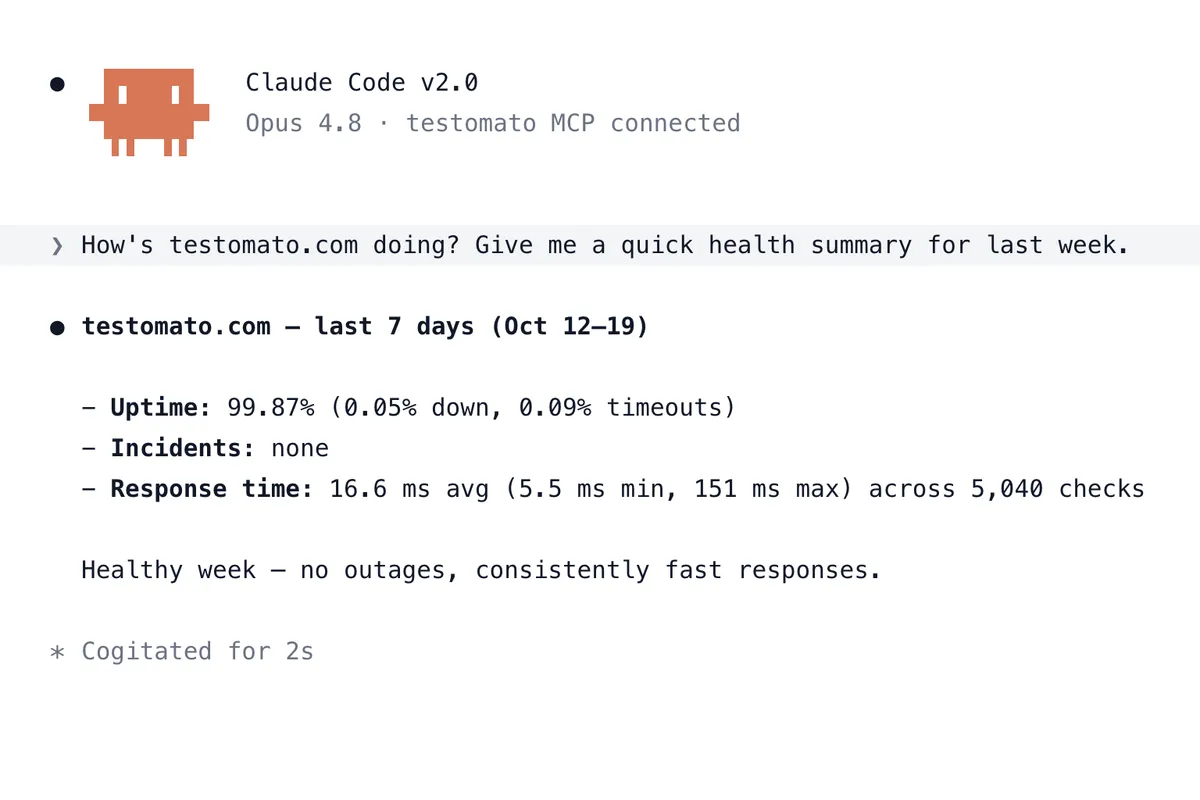
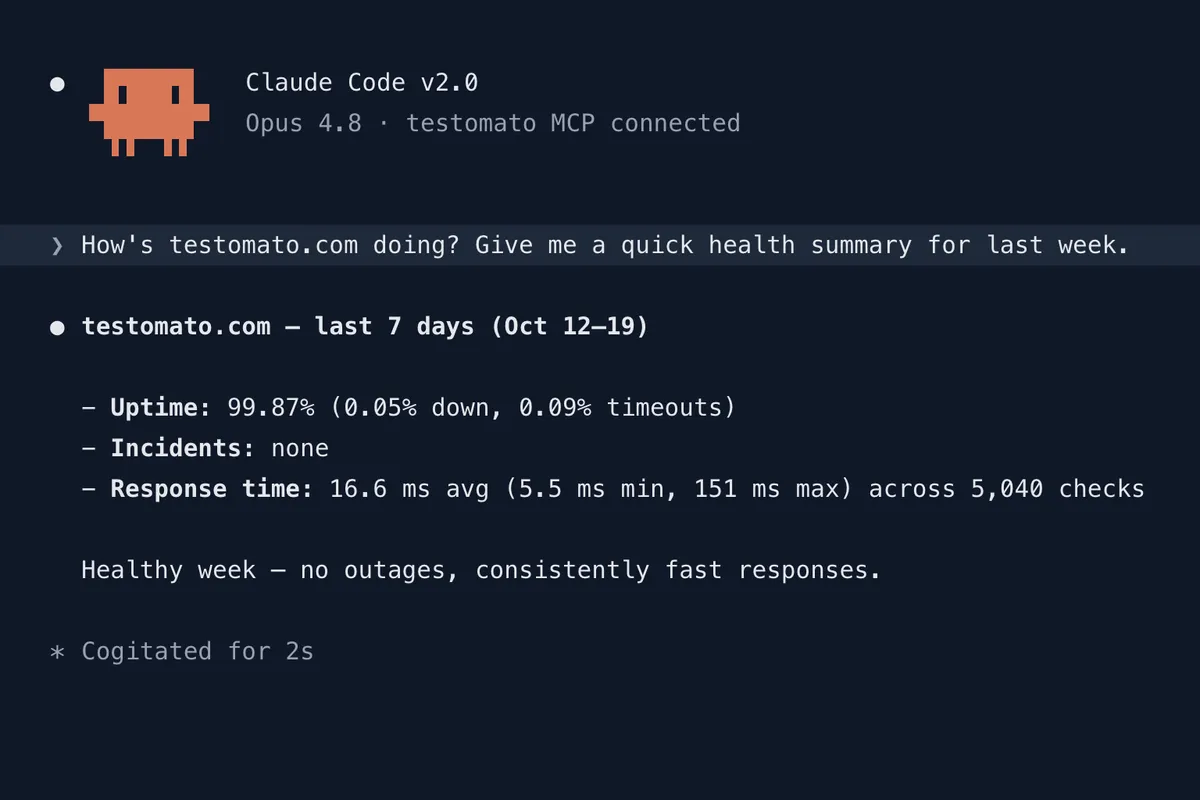
Uptime and incident management directly in Claude Code, VS Code or Codex
Use your LLM of choice to check your site's uptime and what failed this week. No need to open the dashboard or copy exported data into the chat.
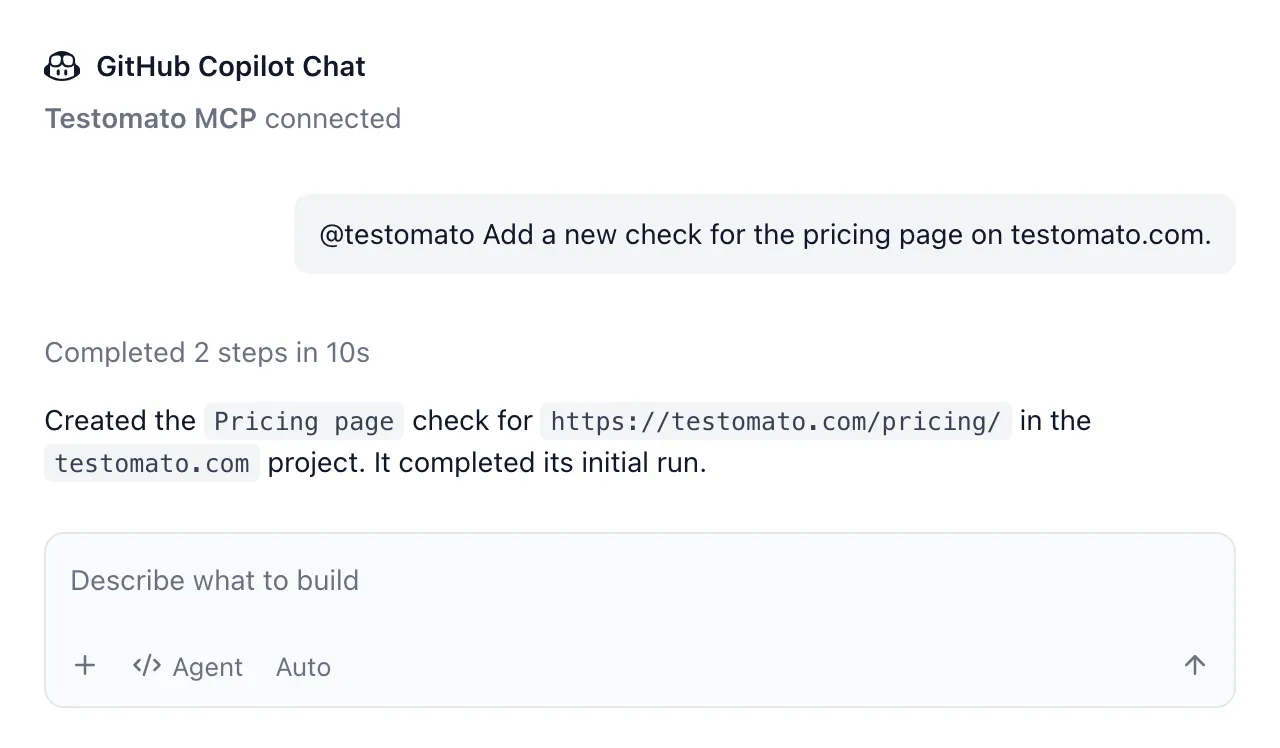
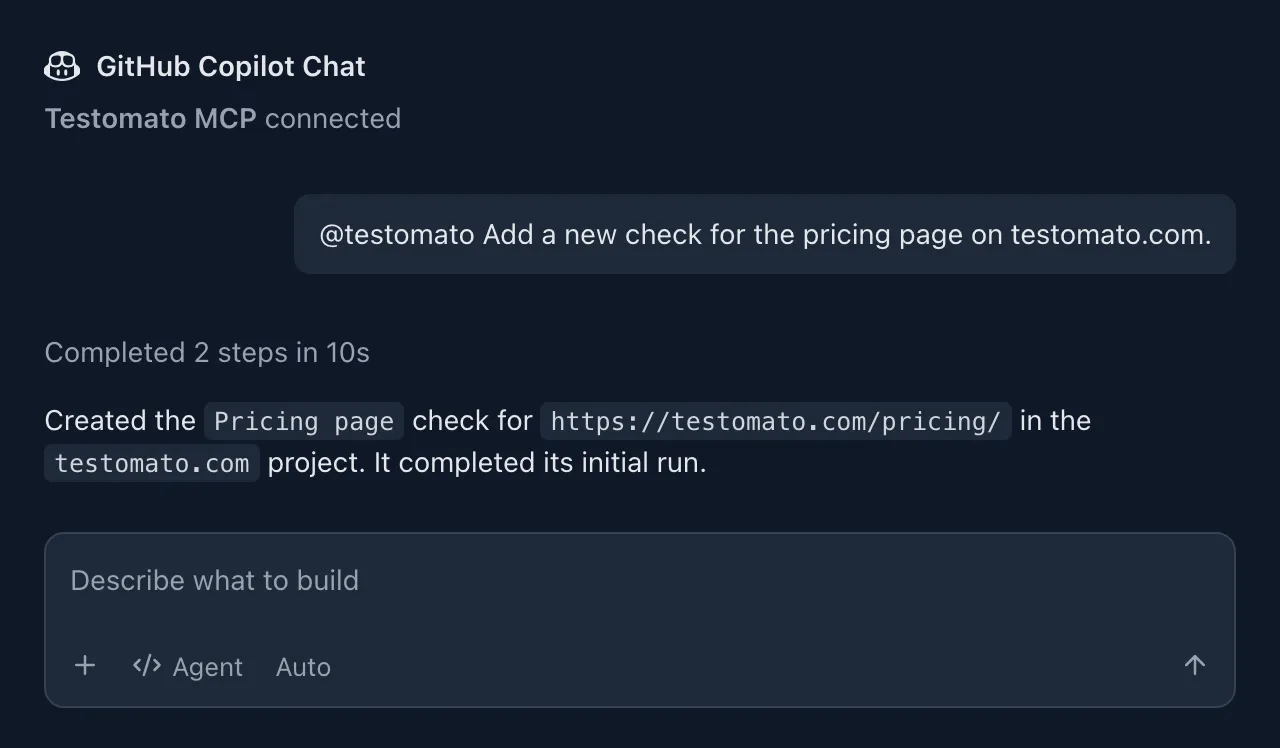
Talk to your monitoring system
Ask your LLM about last week's uptime, list recent incidents, or add a check for a new page.
Your AI tool reads from and makes changes in Testomato directly.
You get real answers with real data.
What you can ask it to do:
-
Check site status
See whether each of your sites is up right now. -
Report uptime
Get your uptime for any period up to 90 days. -
Report response time
Get the average, fastest and slowest response time. -
List incidents
See which check failed, when, and the error message. -
Add and edit checks
Add a new check or update an existing one. -
Run or delete checks
Run a project's checks now, or delete one you no longer need.
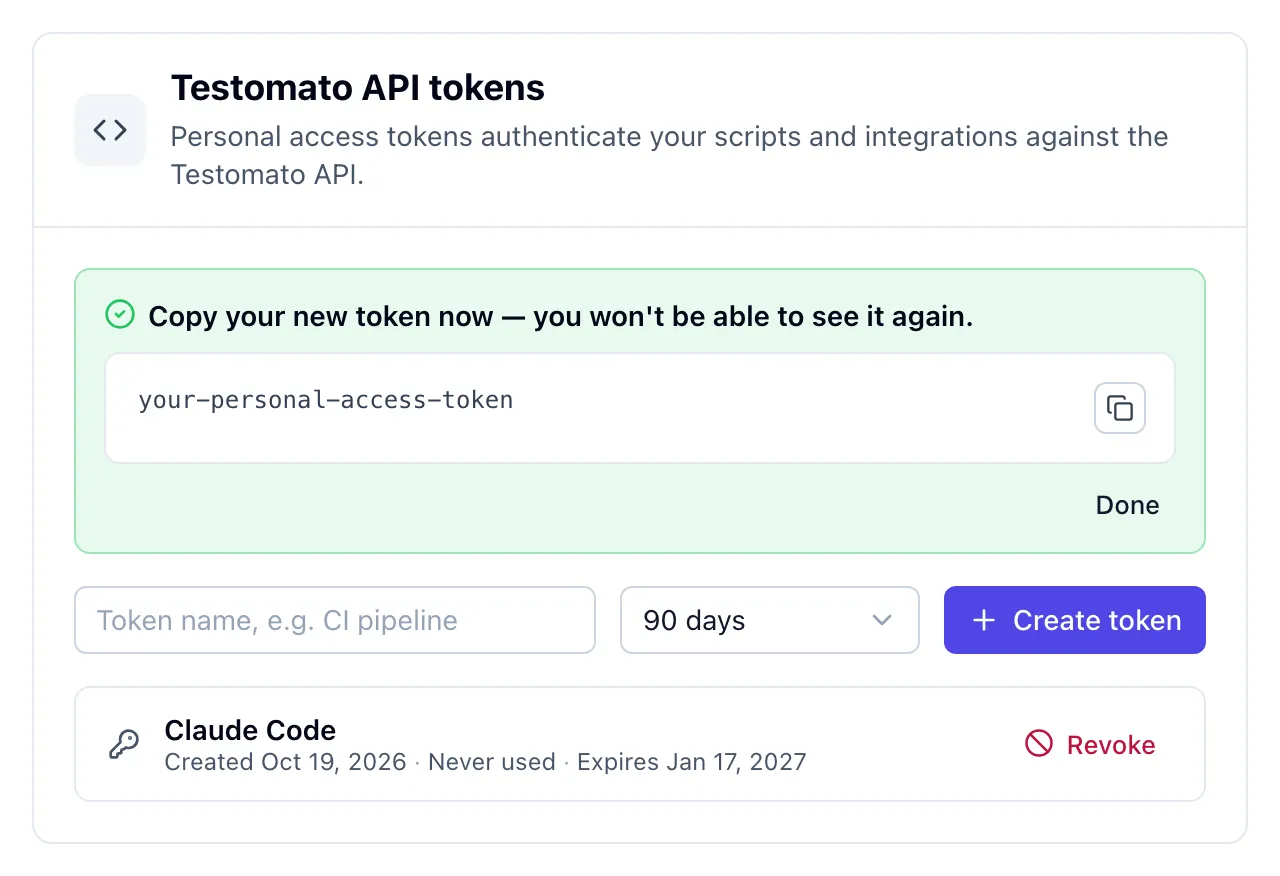
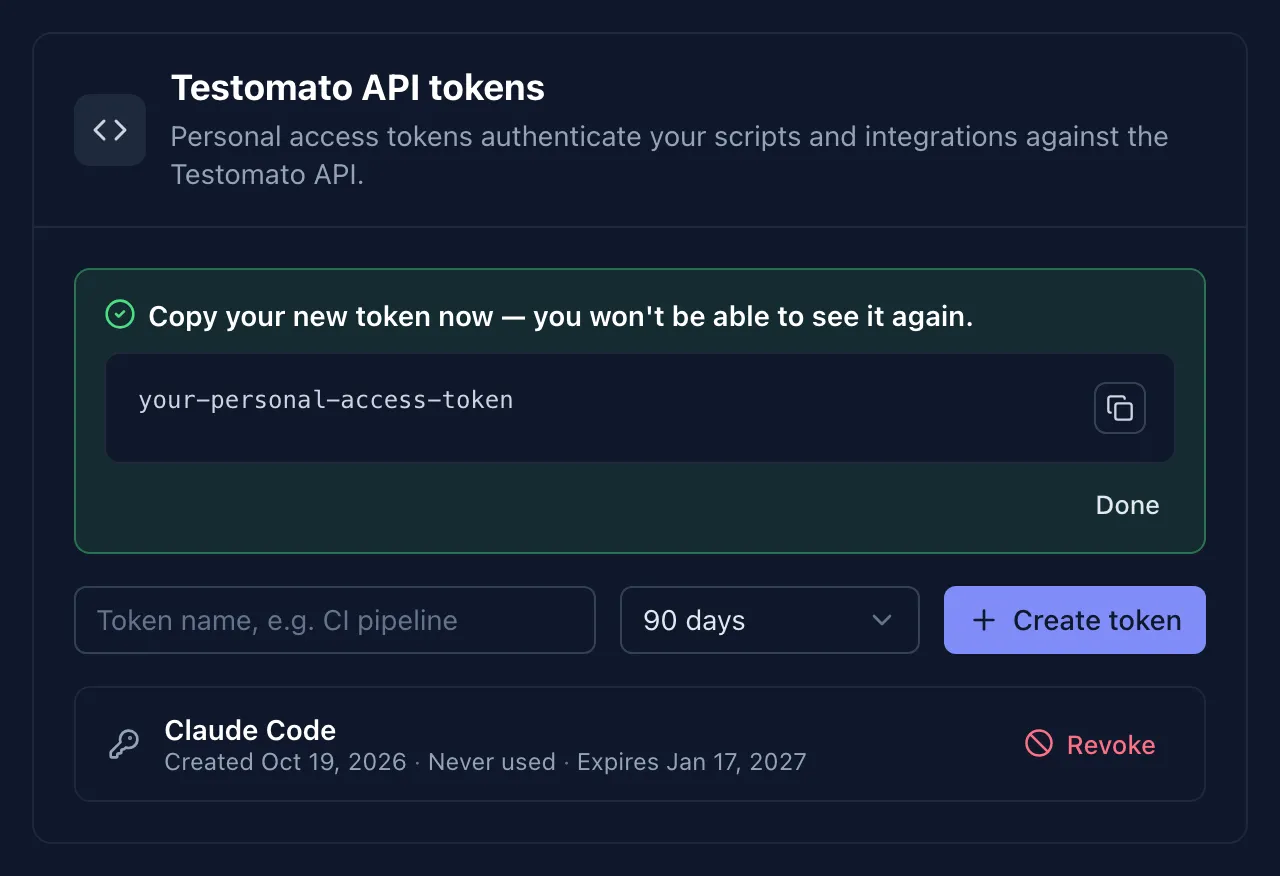
Set up in two steps
1. Create a personal access token in your account settings.
2. Add the server URL and your token to your AI client.
The setup guide has the config for Claude Code, VS Code and Codex. Other clients that support remote MCP servers work with the same URL and token.
New to Testomato? Let AI set up your checks
Paste your URL and the setup wizard suggests checks for the pages that matter.
After setup, ask the MCP server to help you manage your checks.
What to know before you connect:
-
Asks before it acts
Before deleting or running checks, it shows what will happen and waits for your OK. -
Same permissions
Your project roles and plan limits apply. -
Basic checks
AI adds status code checks. Set up text or header checks in the web app. -
Running checks takes time
After a few minutes, look at incidents for anything that failed. -
90 days of history
Uptime, response time and incidents go back up to 90 days. -
Personal access token
Set the token's expiration and revoke it at any time.
MCP server FAQ
- What is MCP?
- MCP (Model Context Protocol) is an open standard for connecting AI tools to other services. Testomato's MCP server lets your AI tool read your monitoring data and manage your checks.
- Which AI tools does it work with?
- Claude Code, VS Code and Codex, and other clients that support remote MCP servers with a custom header. Tools that require OAuth sign-in can't connect yet. See the setup guide.
- What can the AI tool see and change?
- Your projects, checks, uptime, response times and incidents. It can add, edit, run and delete checks. It can't change alerts, notification settings, check groups, status pages or your account settings.
- Does it cost extra?
- No. The MCP server is included in every plan, including the free trial. See pricing.
Start monitoring your sites from your AI tool
You can try it all free for 14 days with no credit card and no commitment.